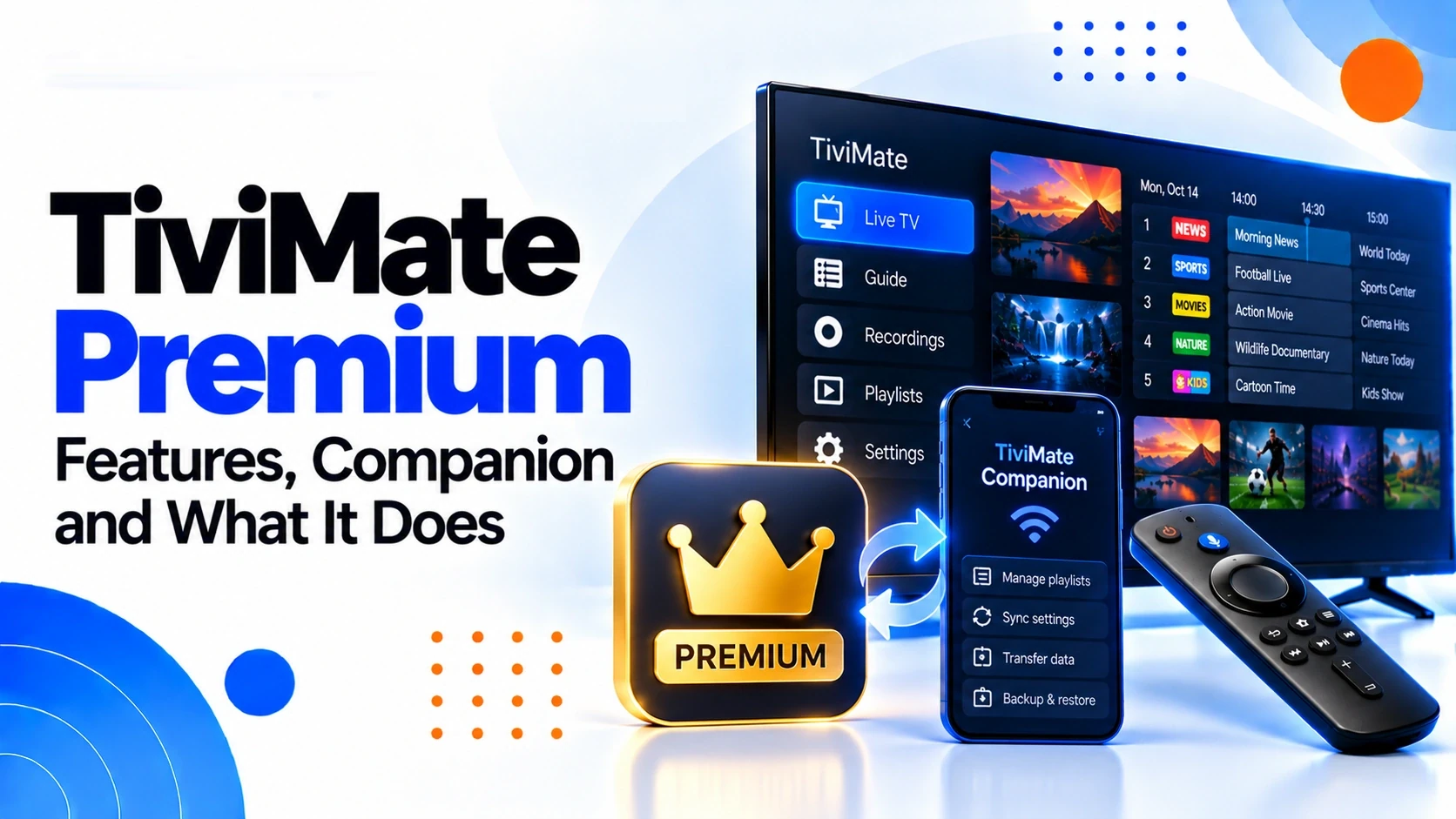
Premium versus your IPTV service
Keep these layers separate: Premium controls paid functionality in the player, while your authorized IPTV source supplies the playlists and streams. You can therefore have a valid Premium entitlement while a channel buffers, an EPG is empty or a provider account is unavailable. Conversely, channels can play while Premium activation has a separate problem.
Before purchasing Premium
Check the current purchase screen for the available plan, billing period and price, and make sure you know which account or purchase route you are using. The current official terms state that TiviMate offers a one-time lifetime purchase and auto-renewing subscriptions, with available plans and prices shown at purchase.
- Confirm the current price and billing period before paying.
- Record the account used for the purchase.
- Keep the transaction confirmation.
- Do not assume an old screenshot shows the current plans.
Lifetime purchase versus subscription
The current terms distinguish a one-time lifetime purchase from auto-renewing subscriptions. A subscription renews for successive billing periods unless cancelled before renewal; cancelling stops future renewals but does not shorten a period already paid for. The exact plans and prices should be checked at the point of purchase because they can change.
Activation: establish the purchase first
If Premium does not appear, first confirm that the transaction actually completed. Then identify the account associated with the purchase and use the current activation or account flow shown by the app. Avoid buying a second entitlement while the first transaction is still unresolved; duplicate purchases make the account history harder to diagnose.
If Premium is missing after payment
Work through the evidence in order: confirm the transaction status, confirm the account used, check that the app is online and current, then reopen the app and check the entitlement again. If the purchase was made through an app store, keep the store receipt because the store's transaction record may be relevant to support.
If you bought through an app store
The official terms state that purchases made through a third-party app store are subject to that store's refund policy and that refunds should be requested from the store of purchase. Keep the relevant receipt and account information if you need to resolve a purchase or refund question.
If you bought directly from the official website
Use the account and transaction information associated with the website purchase and follow the support or purchase instructions provided there. The current terms say direct website sales are generally final for partial subscription periods, subject to the stated exceptions and applicable statutory consumer rights.
If Premium works on one device but not another
Do not assume the entitlement disappeared. Compare the account, application version, device platform and exact feature affected. If the same account shows the entitlement on one compatible device but not another, record that difference before reinstalling anything.
If a Premium feature is missing
First identify the exact feature and where you expected to see it. Check the current official feature information and app version, then determine whether the difference is platform-specific. A missing feature is different from a playback failure, so changing playlist or decoder settings is unlikely to resolve an entitlement issue.
Premium and app updates
An update can change menus, feature availability or how an entitlement is displayed. If a Premium feature disappeared immediately after an update, record the old and new app versions if available and test whether the issue affects one device or the account generally. Avoid repeatedly reinstalling while the cause is still unclear.
Security: avoid cracked Premium packages
Avoid modified APKs, cracked Premium builds and third-party sellers offering shared activations. The official terms grant a personal, non-transferable license and prohibit redistribution and modification of the app. A modified package also makes it difficult to establish whether an activation problem comes from the legitimate app or the altered software.
What Premium does not fix
Premium does not repair an unavailable IPTV stream, create missing EPG data, improve an unstable network or make an incompatible device platform compatible. If the application opens and the problem is a channel, guide or connection issue, use the corresponding troubleshooting guide instead.
Purchase and activation checklist
Before contacting support, collect the account used for purchase, transaction status, purchase route, app version, device, exact Premium feature affected and any message shown. Never include your password or other sensitive account credentials in a public support request.
How to handle a renewal problem
For an auto-renewing subscription, first identify where the purchase was made and check that store or account's subscription status. The official terms say store purchases are managed through the relevant store account, while direct website purchases follow the management instructions provided at purchase or through support.
A repeatable Premium troubleshooting workflow
Use this order: verify the transaction → identify the purchase account → confirm the current app/device → check the exact missing entitlement → compare another compatible device when useful → collect the transaction and version details → contact the appropriate official purchase/support channel. Do not repurchase or install modified software as a shortcut.
FAQ
Does Premium include IPTV channels?
No. The official TiviMate site states that TiviMate is a media player and that paid upgrades unlock application features rather than channels, streams or media content.
Can Premium fix buffering?
Not by itself. Buffering can come from the network, device, stream or upstream service. Premium entitlement and playback quality are separate diagnostic layers.
What should I do if I forgot my account password?
Use the current official account recovery flow rather than entering credentials into a third-party activation site. The official TiviMate site currently provides a password-reset page.
Can I share a Premium activation?
The current terms describe the app license as personal and non-transferable. Use your own legitimate account and purchase rather than shared or resold activations.