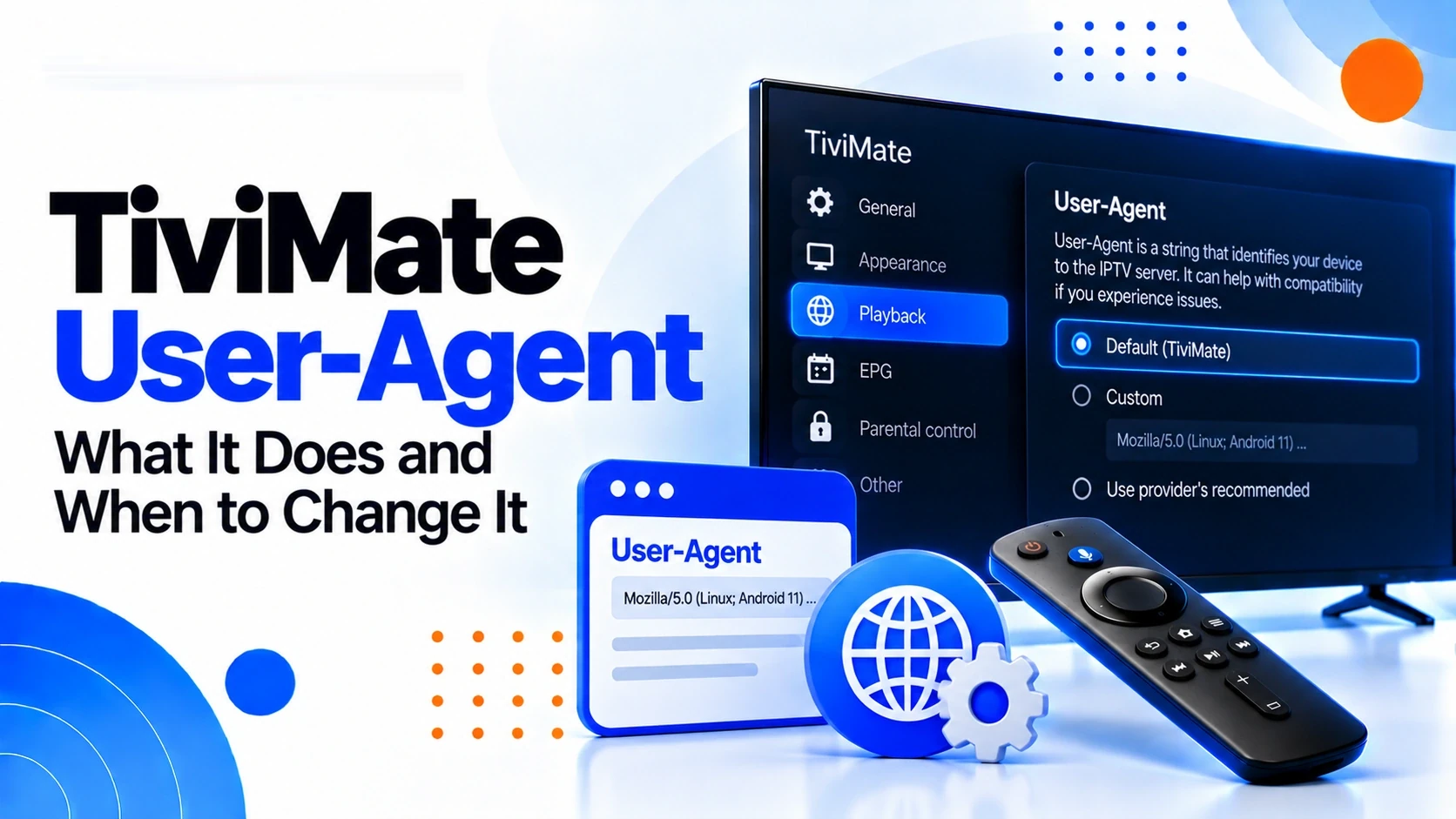
What a User-Agent actually is
HTTP requests can include a User-Agent header that identifies the software making the request. A server may use that information for compatibility decisions, diagnostics or access policy. The header does not contain the video itself and does not repair an unavailable stream, invalid credentials or an unstable network.
Why an IPTV service might require one
A service can be configured to recognize particular clients or request formats. If its documentation specifies a User-Agent for TiviMate, the value is part of that service's compatibility requirements. Treat the documented value as a configuration detail, not as a general-purpose workaround.
Before changing anything
Record the current User-Agent value and the exact symptom you are testing. Note whether one channel or many channels fail, whether the playlist loads, and whether another authorized client works. Without that baseline, it is easy to mistake an unrelated change for a successful fix.
A safe testing workflow
Make one controlled change, test the same channel under the same network conditions, and compare the result with your original baseline. If the documented value does not change the behavior, restore the original setting and investigate the next diagnostic layer. Do not rotate through many random strings.
When another player works
A working second client is useful evidence but does not automatically prove that the User-Agent is different. Compare the service's documented requirements, authentication method, stream URL, account status and network path first. If support specifically identifies the User-Agent as relevant, test the supplied value in isolation.
If changing the User-Agent does nothing
Return to the original value and continue with playlist, credentials, network and stream checks. The failed experiment is useful evidence because it tells you not to keep cycling through arbitrary User-Agent strings.
If only one channel fails
Do not assume the User-Agent is responsible for a single-channel failure. Test several other channels and, if possible, the affected channel in another authorized client. A stream-specific problem can look like a client problem when only one URL is affected.
If many channels fail
A broad failure warrants checking the playlist, account, network and service status before changing client-identification settings. If the same source fails across compatible clients, the User-Agent is less likely to be the main explanation.
User-Agent and Error 458
Error 458 does not prove that a User-Agent needs changing. Treat the code as a symptom and first establish its scope. If the authorized service documents a specific User-Agent requirement, test that value as one controlled step within the wider Error 458 workflow.
User-Agent and playback settings
A User-Agent is different from a decoder, buffer size or network setting. Changing it will not directly alter video decoding or Wi-Fi performance. Keep these layers separate so that a playback problem does not become a sequence of unrelated configuration changes.
User-Agent and EPG
EPG failures generally require separate source and mapping checks. If guide data is missing but streams play, changing the User-Agent should not be your first EPG test unless the service explicitly documents that its guide endpoint requires a particular client header.
What to avoid
Do not use User-Agent values to impersonate another client in order to bypass restrictions or access controls. Do not publish or share private service credentials. Follow the requirements of the authorized service and use the documented value when one is provided.
When a User-Agent change is actually useful
A User-Agent change is most informative when you have a specific compatibility hypothesis: the service documents a required value, support identifies a client-header mismatch, or a controlled comparison shows that client identification is the meaningful difference. Without that evidence, leave the setting alone.
What to record for support
Record the original value, the documented replacement if one was supplied, the exact error, affected channels, app version, device, approximate test time and whether the same source works in another authorized client. Never include passwords or private account credentials.
A repeatable User-Agent troubleshooting workflow
Define the symptom → establish a baseline → verify the service's documented requirement → change one value → test the same stream → compare the result → restore the original value if unchanged → continue with account, network or stream diagnostics. This keeps the User-Agent test falsifiable and easy to explain to support.
FAQ
Does changing the User-Agent make streams faster?
No. A User-Agent identifies the client request; it does not increase bandwidth or device processing power. If buffering is the problem, investigate network stability, device load and the stream itself.
Can I use any User-Agent I find online?
There is no universal value that fixes TiviMate playback. Use the value supplied by the authorized service when one is required, rather than copying arbitrary strings from unrelated guides.
Should I change the User-Agent for Error 458?
Only when the service documents a required value or the test is part of a controlled compatibility diagnosis. Error 458 by itself is not proof that a User-Agent change is needed.
Will a User-Agent fix an EPG problem?
Not normally. EPG problems should first be investigated through the EPG source, refresh, channel mapping and time settings. Follow a User-Agent requirement only if the service specifically documents one for its guide endpoint.